Your home, on the wall
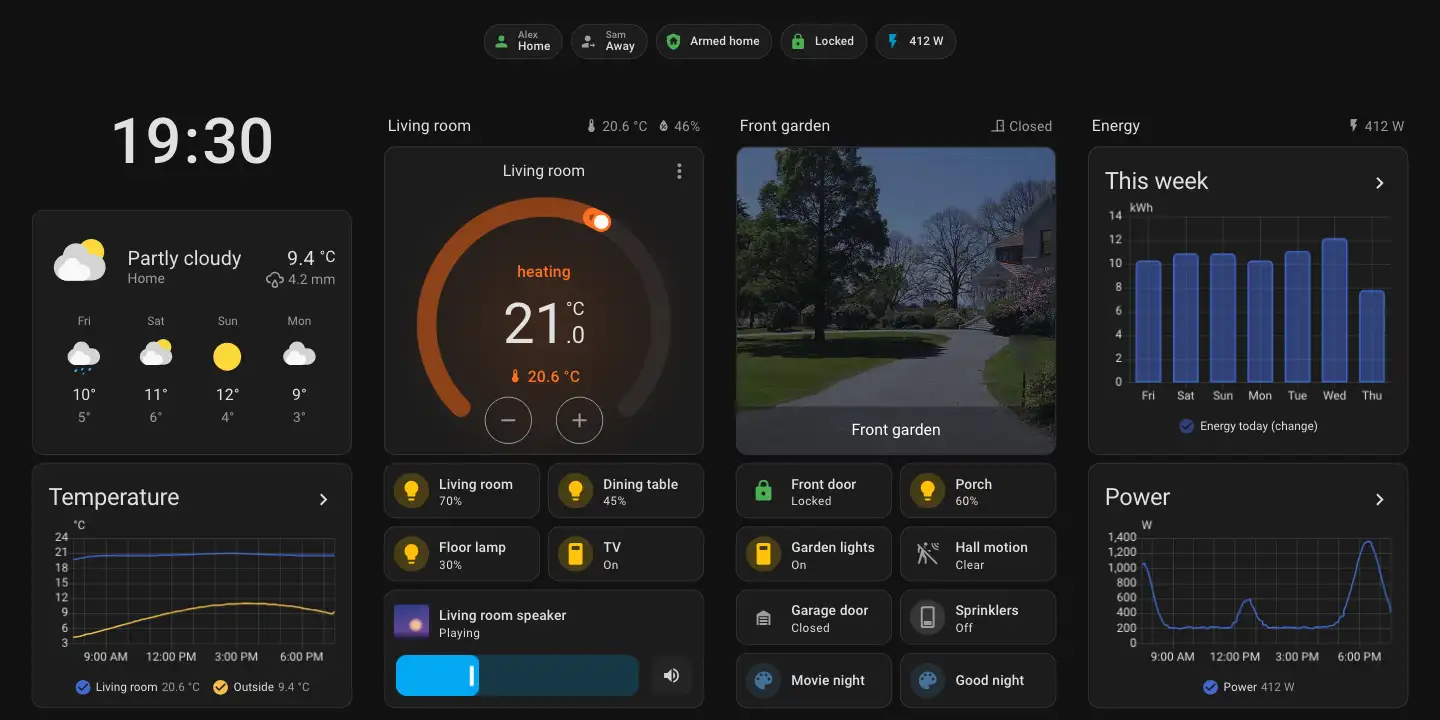
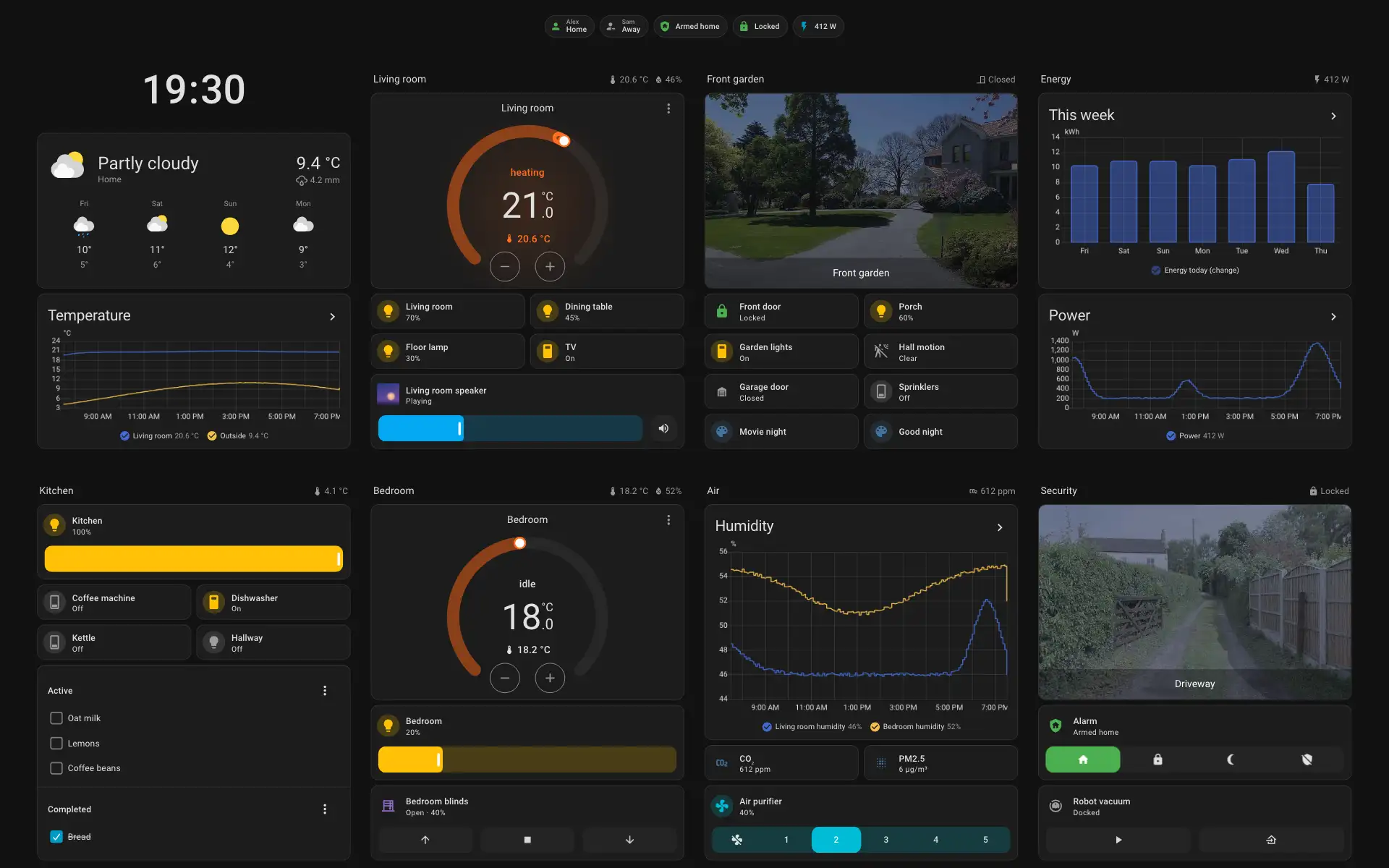
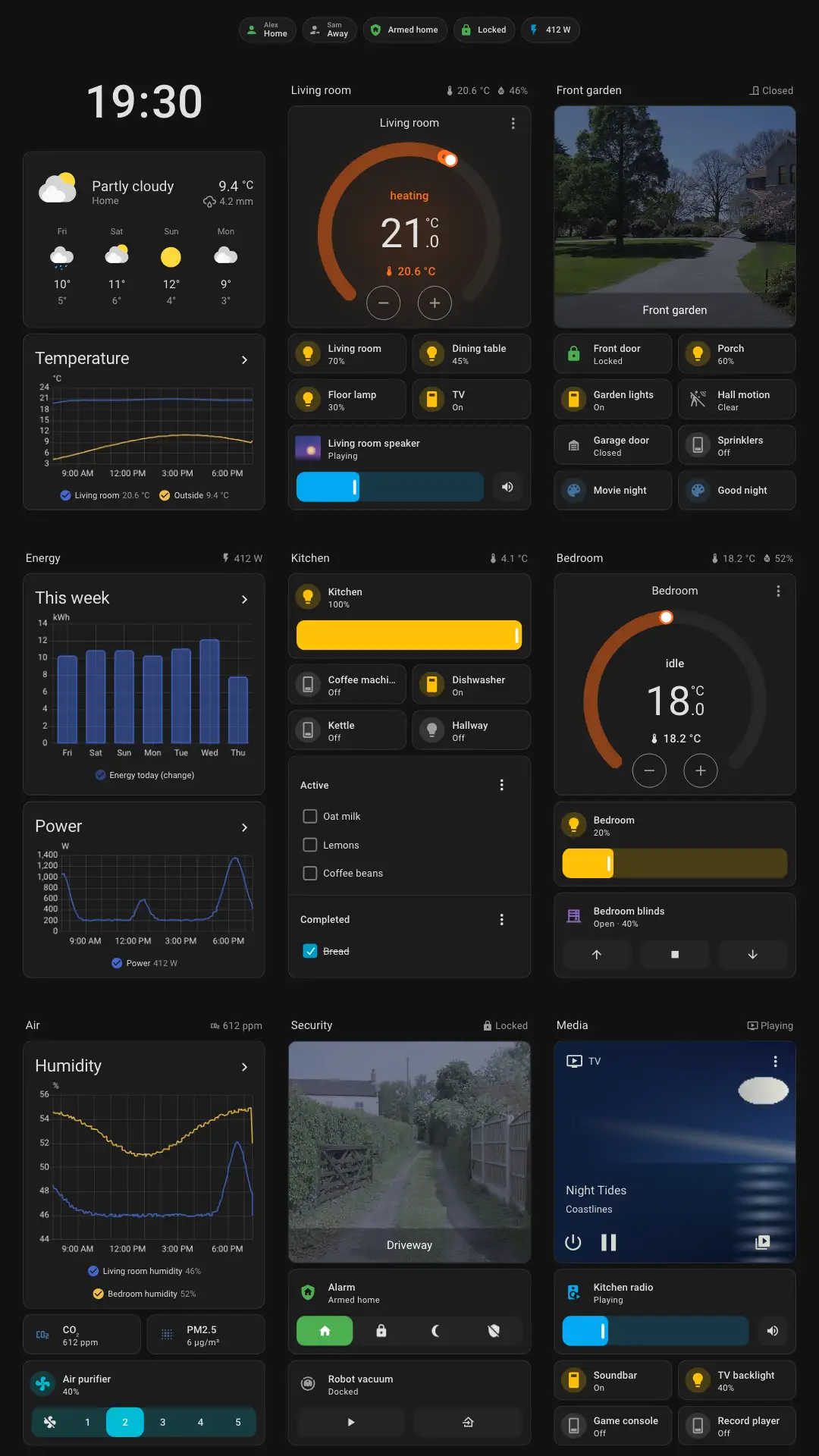
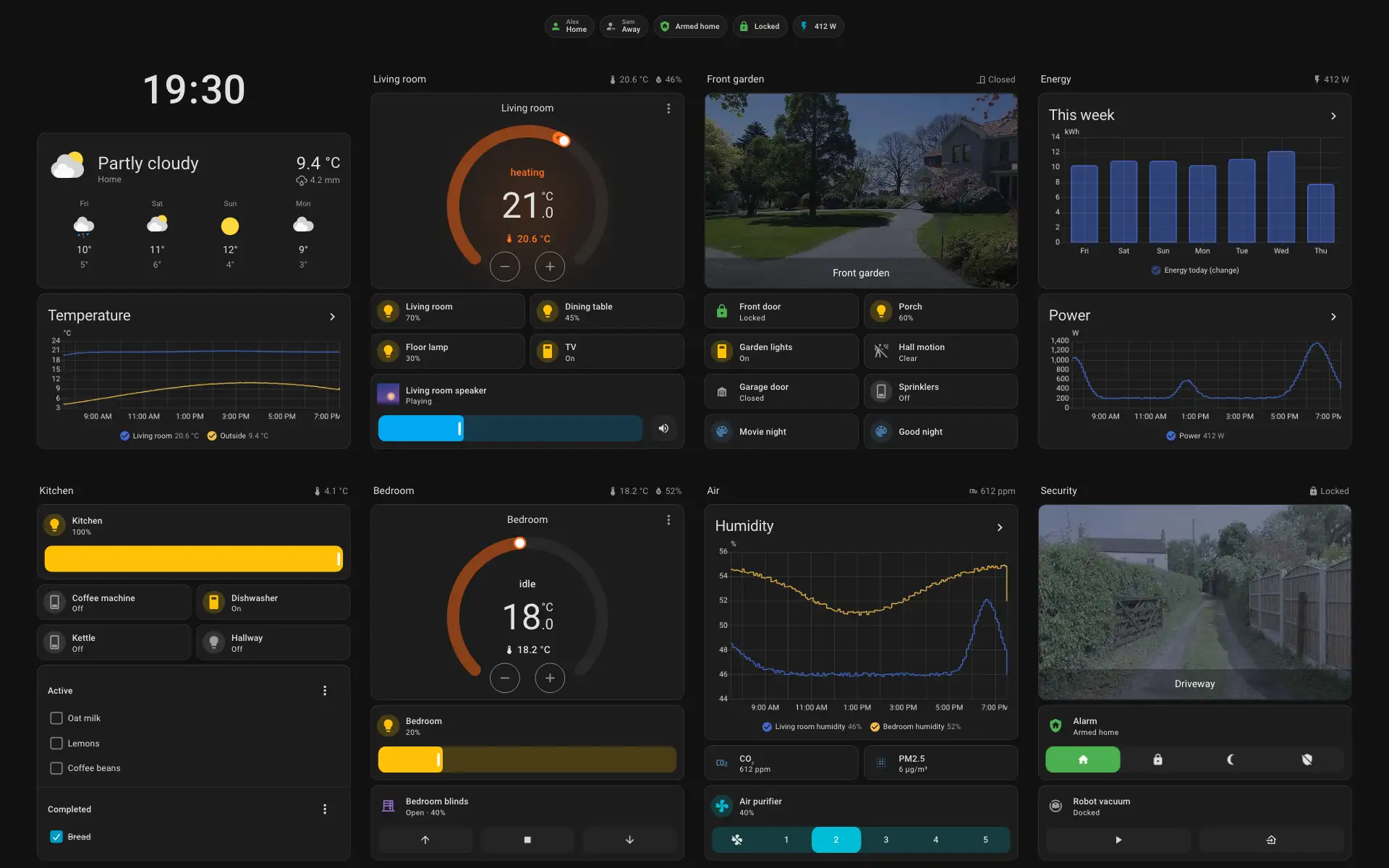
Your Home Assistant dashboard, full screen on the wall—with local voice, synced music, and built-in radios, ready in minutes.
Your home, on the wall
Your Home Assistant dashboard, full screen on the wall—with local voice, synced music, and built-in radios, ready in minutes.
A screen that listens locally
Wake word detection runs right on the panel and hands your request straight to Home Assistant Assist—no cloud wake word listening in.
A panel that keeps you in the loop
See who’s at the front door, unlock it in one tap, or catch urgent alerts from your automations—then watch them tuck cleanly out of the way.
A mirror that gets out of your way
Glassworks lets Home Assistant know the moment someone steps up, without getting tripped up by a light switch, so your dashboard can fade into a slim side pill and leave you a real mirror.
A fully native Home Assistant device
Timers, updates, and sensors like the tablet’s dock show up natively in Home Assistant over ESPHome, while synced audio streams straight from Music Assistant over Sendspin. No custom integrations, no HACS, and no cloud.
One open core for whatever’s next
Square wall switches, round dials, bedside displays, or hardware you build yourself—all powered by the same open Home Assistant panel core.
Real wall hardware—and the tablet in your drawer
Turn dedicated wall switches, full-length smart mirrors, and everyday Android tablets into fast, local Home Assistant panels.
Supported devices
All devices ›- Clarity DFull frameThe reference frame. Every pane runs on it, including the Zigbee/Thread radio and the wall base.
Aqara S1 Plus
Stable - Device frame · Tablets, old phones, other Android panelsCore plus the panes that need no special hardware. No root.On Android 6–7, legacy: frozen engine, your Home Assistant only
Generic Android
Beta - Clarity BTested deviceA common 11-inch tablet that runs Glassworks for generic Android as it is.Tested by Glassworks on stock Android
Google Pixel Tablet
Beta - Device frame · Originally sold as Mirror, by Mirror.coA full-length mirror with a 40-inch portrait screen behind it. The original version takes a new Android image over fastboot.Legacy: frozen engine, your Home Assistant onlyBuilt on Glass Panes by git-nimrod
lululemon Studio Mirror
Beta - Tested device · SM-T580A common 10-inch tablet from 2016 that runs Glassworks for generic Android on LineageOS.Tested by the community on LineageOS
Samsung Galaxy Tab A 10.1 (2016)
Beta

Install from your browser, with a way back
Plug in over USB and open Kiln in Chrome or Edge—no terminal commands and no vendor cloud (just a quick one-time USB driver for the S1 on Windows). Supported wall switches back up their stock software first so you can return anytime, while the Studio Mirror keeps a clean recovery path back to plain Glass Panes.
- 01
Backup
Saves your stock firmware to your computer before a single byte changes on panels that support it. (Installing on the Mirror replaces lululemon's software with no stock backup.)
- 02
Verify
Checks every download before flashing—and on the S1, reads every written partition back to confirm it matches byte for byte.
- 03
Flash
Installs Glassworks and walks you straight into Wi-Fi and Home Assistant setup from the browser.
- 04
Restore
Return the S1 to your saved stock backup with a guided restore, or switch the Mirror back to plain Glass Panes anytime.
Updates, sensors, and settings right where they belong
Glassworks speaks the native ESPHome API straight to Home Assistant. There is nothing to install in HACS, no custom integration to maintain, and no cloud account in the middle—even updates show up right under Settings → Updates.
We’d rather show an honest C than hide it
We benchmark panels on the real Home Assistant frontend—measuring tap latency, scroll smoothness, live state updates, and camera streams on standardized dashboards so you know what to expect before you buy. Devices without a published run stay marked pending until tested.
Everything your panel can do
Features ship as modular panes matched to your hardware. Core capabilities work out of the box, optional ones like the Bluetooth proxy can be toggled on whenever you want them, and ready-to-import blueprints make automations effortless.
Built-in panes
BlueprintsAll features ›Port Glassworks to new glass—or build with our MIT libraries
Bringing up a new wall panel or building smart-home software of your own? Explore the 6-layer architecture, browse the Pane API, reuse our standalone MIT libraries, or ship Glassworks on your hardware under MPL-2.0.